Internet only from one country
Some services only work from one country, and some treat a sudden change of country as a sign that the account was taken over. If your tunnel occasionally connects through a server somewhere else, that one moment can be enough to cause trouble. This rule keeps the internet available only while your exit IP is in the country you pick.
In Rules, press New rule and choose the template for a change of exit country. It runs every time your IP or exit country changes.
Under If, set the IP’s country to the one you want, say the Netherlands. Under Then, add Unblock internet, and under Otherwise, Block internet. While your exit IP is in the Netherlands everything works as usual, and if the tunnel connects from anywhere else, the internet stays blocked until that’s fixed.
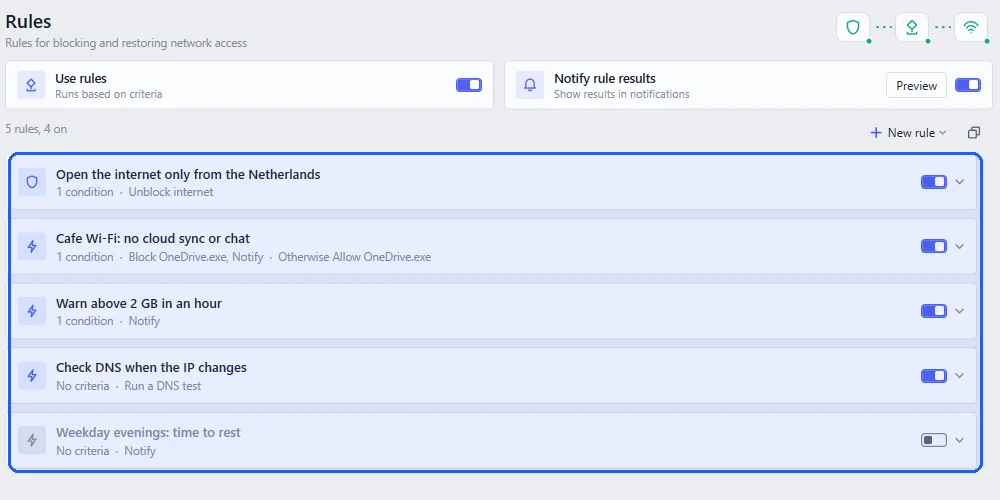
To check the DNS country as well, add a second condition for it. With Notify rule results on, you’ll get a notice whenever the rule blocks or unblocks the internet.
The rule works best together with the Egress Firewall. The firewall handles the tunnel dropping out completely, and the rule handles it being connected in the wrong place.